
Harmony family access
Access your student's information, complete required forms, and stay connected throughout the school year.
Once you've created your Harmony account and added your student using the registration code emailed to you, please log in and complete all required online forms.
 When every item has a green checkmark, you're finished.
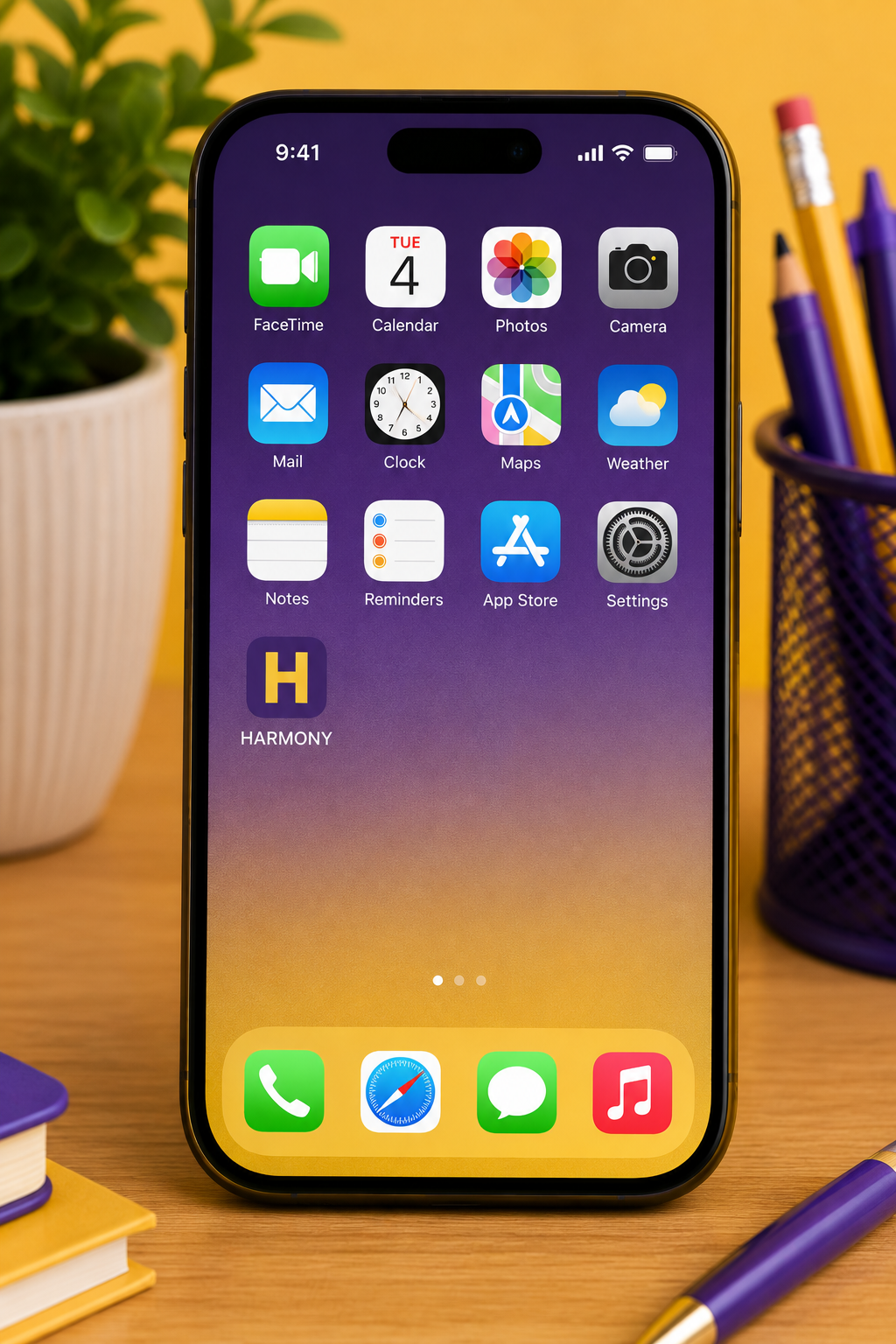
Add Harmony to your home screen
We recommend adding Harmony to your phone's home screen for quick access throughout the school year.
iPhone (Safari)
Android (Chrome)
459 E Strawberry Rd, Montezuma, IN, 47862
montezuma@indiana.ag
Follow Montezuma
©2026 Montezuma Elementary - An IATS School - Site designed & built by HardingPoorman